
What Is a Custer County Docket
A docket is the court's official index of a case. Every time a paper is filed or a judge acts, the clerk adds a dated line to the docket. The result is a timeline. You can read it from the day a case opened to the day it closed. In Custer County, the Court Clerk builds and keeps this record for the District Court.
A docket is not the whole file. A line might read "Motion to Continue filed," but the motion itself is a separate document. Think of the docket as the table of contents and the case file as the book. Online systems show the docket for free. The underlying documents may need a clerk visit or a portal that hosts them.
The docket serves different readers. A party tracks the next hearing. An attorney checks whether a motion was filed. A reporter or a researcher follows a case to its outcome. The same dated list answers all three.
How to Find Custer County Dockets Online
Two official systems publish Custer County dockets. The Oklahoma State Courts Network, OSCN, runs the judiciary's docket search. On Demand Court Records, ODCR, runs the participating-court portal that the Court Clerk links. OSCN lets you pick Custer County District Court and search by party or case number. ODCR shows a status page for Custer that confirms how fresh its data is.
- Open the OSCN docket search and select Custer County District Court.
- Enter a party name or a case number, then press Go.
- Add a case type or a date range to narrow a busy name.
- Click a case to open its docket and scroll the dated event list.
Start at the OSCN docket search form, where the court dropdown and party fields sit on one page.
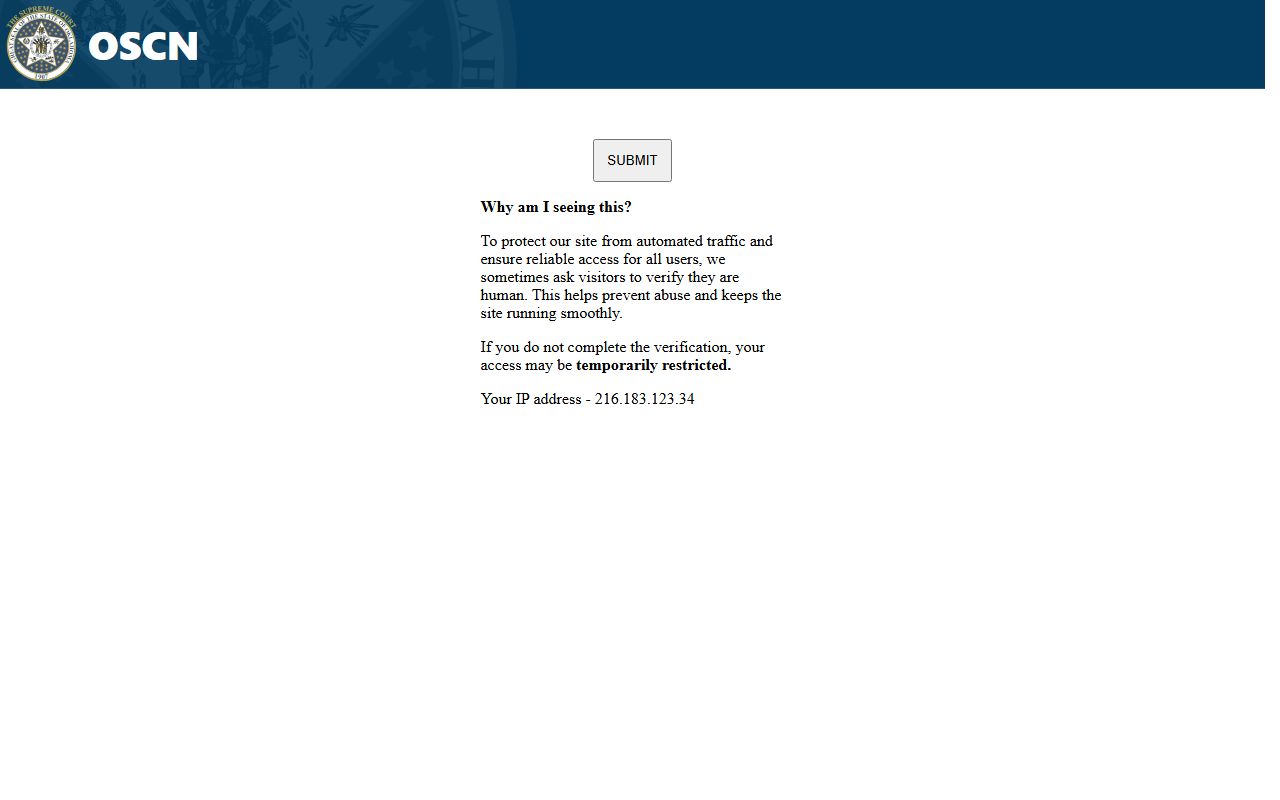
The same form also offers an appellate search and a traffic-citation route for District Court cases.
ODCR works much the same way. You can run a partial-name search, a case-number search, or a filed-date range, then open the full docket for any match. Because the county links ODCR as its official court-record search, it makes a reliable second route when OSCN is busy.
Custer County Case Number Prefixes
Every Custer County case carries a prefix that tells you its type. The letters come before the year and a sequence number. A traffic case reads TR-2024-01231. A felony reads CF, and a misdemeanor reads CM. Learning the prefixes lets you scan a docket list at a glance.
| Prefix | Case Type |
|---|---|
| TR | Traffic |
| CF | Criminal felony |
| CM | Criminal misdemeanor |
| CV | Civil |
| CJ | Civil (other civil filings) |
| FD | Family and domestic, including divorce |
| PB | Probate |
| SC | Small claims |
| PO | Protective order |
Daily Hearing Dockets in Custer County
Beyond a single case, Custer County keeps a daily flow of hearings. The clerk maintains an appearance docket for every filed case, a chronological log that drives the court calendar. OSCN and ODCR let you search by a filed-date or closed-date range, which surfaces cases active in a given window. For a specific day's hearing schedule, the Court Clerk's office is the surest source. Staff can confirm a hearing date, a courtroom, and a judge assignment that the online docket may not spell out plainly.
Hearing entries change often. A continuance can push a date back, and the docket logs the new setting as its own line. Always check the most recent entry before relying on a court date. The hourly ODCR refresh and the OSCN live data help, yet a quick call confirms it.
Sample Custer County Docket Entry
A single case page packs several fields before the event list begins. A 2024 traffic case shows the layout used across Custer County. The header names the court. The caption names the parties. Then come the case number, the filing date, the judge, the attorneys, and the dated docket events.
| Field | What the Docket Shows |
|---|---|
| Case header | In the District Court in and for Custer County, Oklahoma. |
| Case name | State of Oklahoma vs. the named defendant. |
| Case number and type | TR-2024-01231, marked Traffic. |
| Filed date | 06/26/2024. |
| Judge | Stephanie C. Jones; an older traffic case showed "Unassigned." |
| Parties | Defendant, district attorney, arresting officer, and Oklahoma Highway Patrol as arresting agency. |
| Attorneys | A represented-parties table; one older case listed "None." |
| Events | A dated list of filings, hearings, and orders with a text-reminder option. |
Docket Event Types in Custer County
The heart of a docket is its event list. Each line marks something that happened. Filings, hearings, orders, and payments all show up as separate entries. The mix depends on the case type. A criminal docket logs arraignments and pleas, while a civil docket logs motions and judgments.
- Filings: petitions, complaints, charging documents, answers, and motions.
- Hearings: arraignments, pretrial conferences, trials, and sentencing dates.
- Orders: rulings, continuances, dispositions, and final judgments.
- Payments: court costs, fines, and bond entries when public.
- Warrant entries: failure-to-appear and bench-warrant notes in criminal cases.
Custer County's freshness shows on the portal status page. The ODCR status page lists Custer with records that begin August 21, 2001 and update every hour.
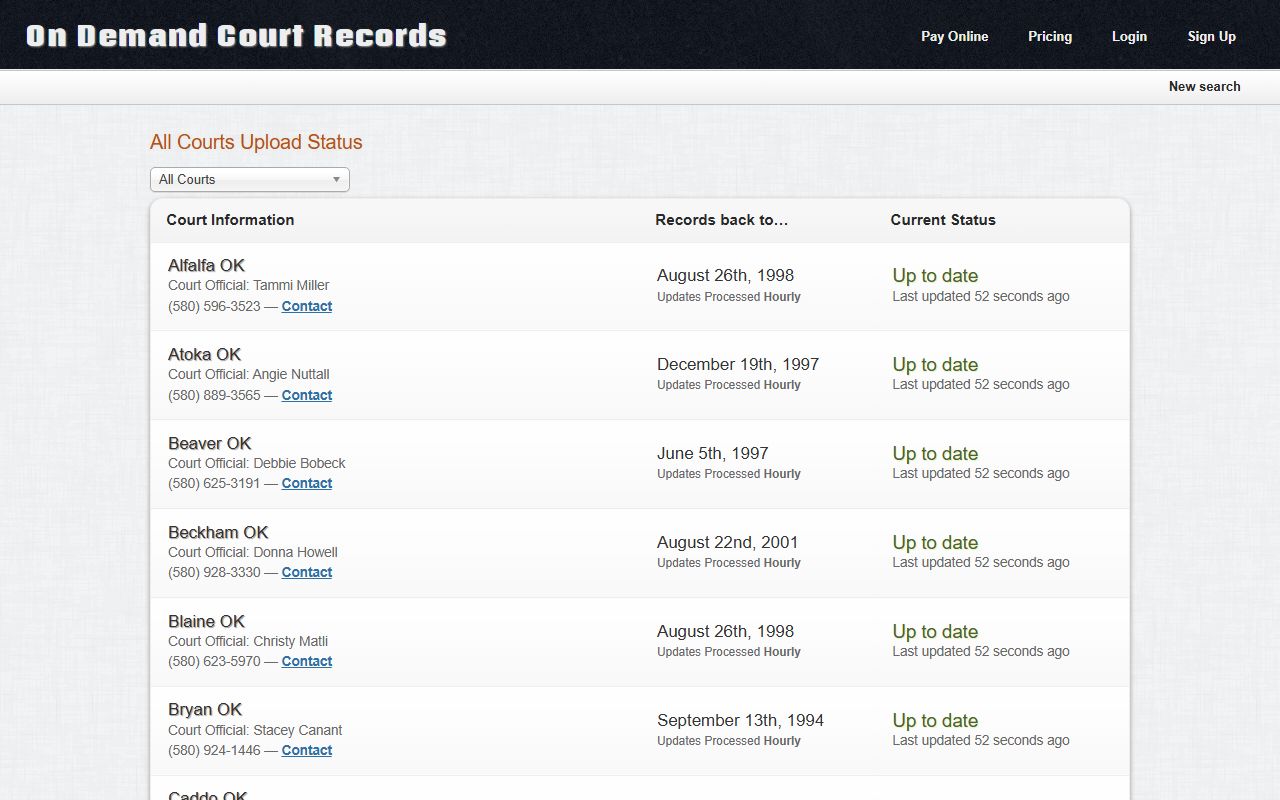
That hourly refresh means a docket event filed today often appears on the same business day.
Traffic and Criminal Dockets
Traffic and criminal cases fill much of the Custer County docket. Highway Patrol citations are filed as District Court traffic cases under the TR prefix. City police tickets are different. A Clinton or Weatherford citation goes to that city's municipal court and may not appear in the District Court docket at all.
Criminal dockets run deeper. A felony or misdemeanor case logs the charge, the arraignment, each plea, and the final disposition. Bond and warrant entries appear when the case is public. To pull the full charging document and sentence, the underlying Custer County court records hold the detail behind each docket line.
Timing matters for traffic dockets. Highway Patrol cases under the TR prefix often show a fine, court costs, and a disposition once resolved. A missed date can add a failure-to-appear entry and extra cost. The docket flags these events as they post, so checking back keeps you current on a pending ticket.
Probate and Family Dockets
Probate and family matters also move by docket. A probate case under the PB prefix tracks a will, an estate, or a guardianship. Its entries log the petition, the letters issued to a representative, creditor notices, the inventory, and the closing order. Heirs and personal representatives appear as parties.
Family dockets carry the FD prefix. Divorce, paternity, custody, and support cases all sit here. The docket may show temporary orders, a decree, and post-decree motions. Sensitive details about children and finances are often redacted. The public docket then shows the events without the protected data.
Probate timelines stretch across months. The docket may sit quiet between a creditor-notice period and a final accounting. Long gaps between entries are normal. A guardianship or conservatorship case can stay open for years, with periodic reports logged as fresh docket lines.
Appellate and Lower Court Dockets
Custer County cases can travel beyond the District Court. When a party appeals, the case moves into Oklahoma's appellate system, and OSCN tracks those dockets too. The docket search includes an appellate case-type menu with options like Felony, Misdemeanor, Traffic, and District Court Final Order or Judgment. You can also search an appellate case by the lower-court case number, choosing Custer County District Court as the court of origin.
The same search reaches the higher courts that review Custer County matters. Civil appeals may run through the Oklahoma Supreme Court and the Court of Civil Appeals. Criminal appeals go to the Court of Criminal Appeals. Each court keeps its own docket, linked back to the original District Court case number.
Docket vs. Full Case Record
It helps to keep two things apart. The docket is the list of events. The full case record is the stack of documents behind those events. Most of the docket is free online. The documents themselves may cost a fee or call for a clerk visit. The table below sums up the split.
| Docket | Full Case Record | |
|---|---|---|
| Format | List of dated entries | Full filed documents |
| Access | Often online and free | May require a fee or a visit |
| Use | Track case progress | Legal review and evidence |
| Source | OSCN and ODCR | Court Clerk and case-hosting portals |
Researchers sometimes cross-check a case in a free outside archive. The free CourtListener research site hosts selected dockets and opinions, though it is not the official Custer County file.
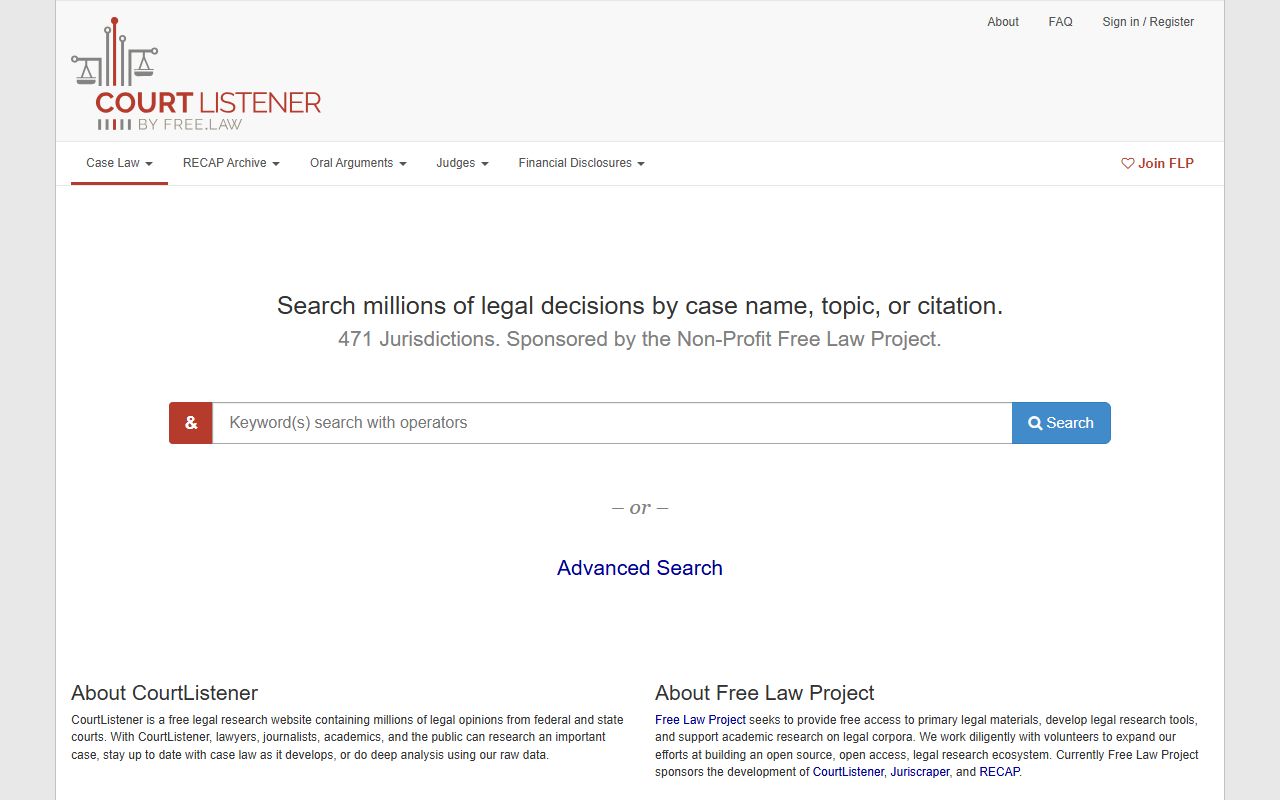
For an authoritative docket, OSCN and ODCR remain the systems to trust.
Reading a Custer County Docket
OSCN adds a handy tool to many dockets. A text-reminder feature can send an alert before a scheduled court date. It helps parties avoid a missed appearance, which can trigger a bench warrant. The option appears on the case page near the event list.
Docket lines use shorthand. "FTA" marks a failure to appear. A disposition line shows how a charge ended, whether dismissed, pleaded, or sentenced. When a code is unclear, the Court Clerk can explain what an entry means. Older cases may carry thinner detail, since Custer's online data starts in 2001.
Note: Signing up for the OSCN text reminder is a simple way to avoid a missed court date and the bench warrant that can follow one.